
Real shell
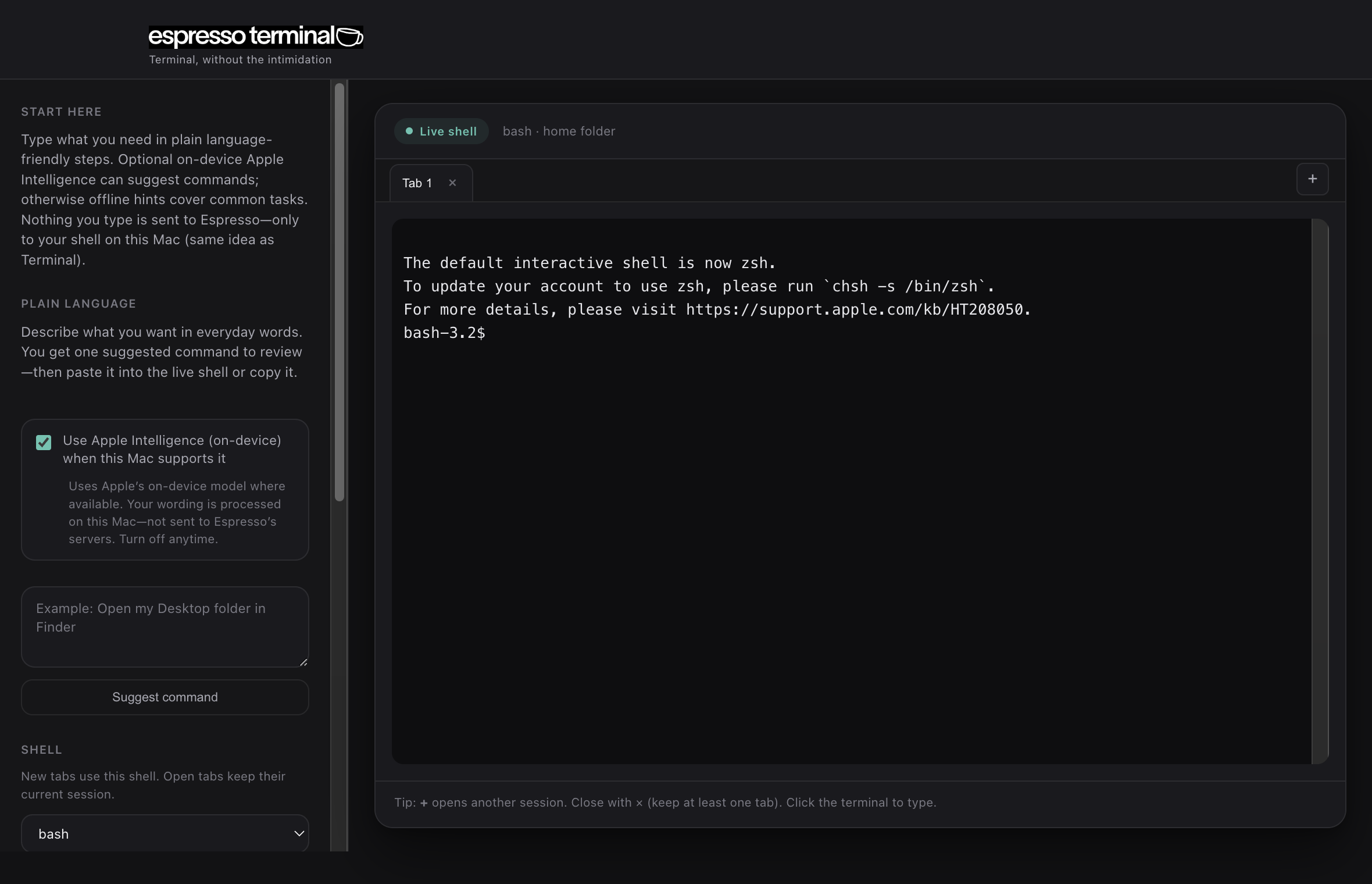
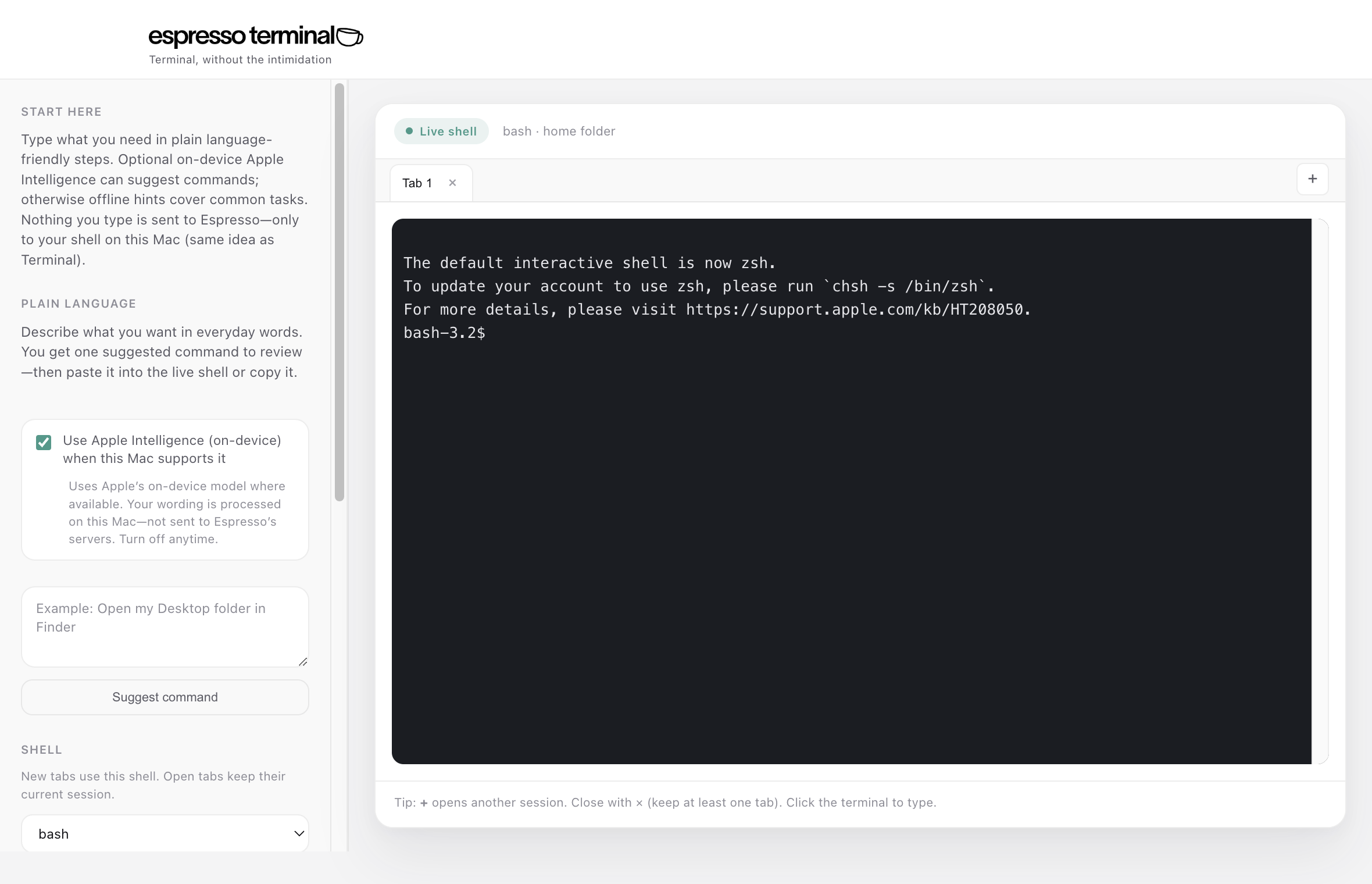
Pick bash, zsh, or your system login shell from the sidebar—local, fast, and familiar.
Native Mac app. Choose bash or zsh (or your login shell), tabs, and a plain-language bar that turns everyday wording into shell commands.
Details
Pick bash, zsh, or your system login shell from the sidebar—local, fast, and familiar.
Several sessions in one window. Open, close, switch like a browser.
Describe a task in normal words; get one command to review before you run it. Built-in offline patterns cover common requests.
Light and dark appearances follow macOS. No webview cosplay.
Native Mac app—keep it next to the tools you already use.
On supported Macs, opt in for on-device Apple Intelligence to suggest richer commands from how you phrase things—no Espresso server; processing stays local when the feature is available.
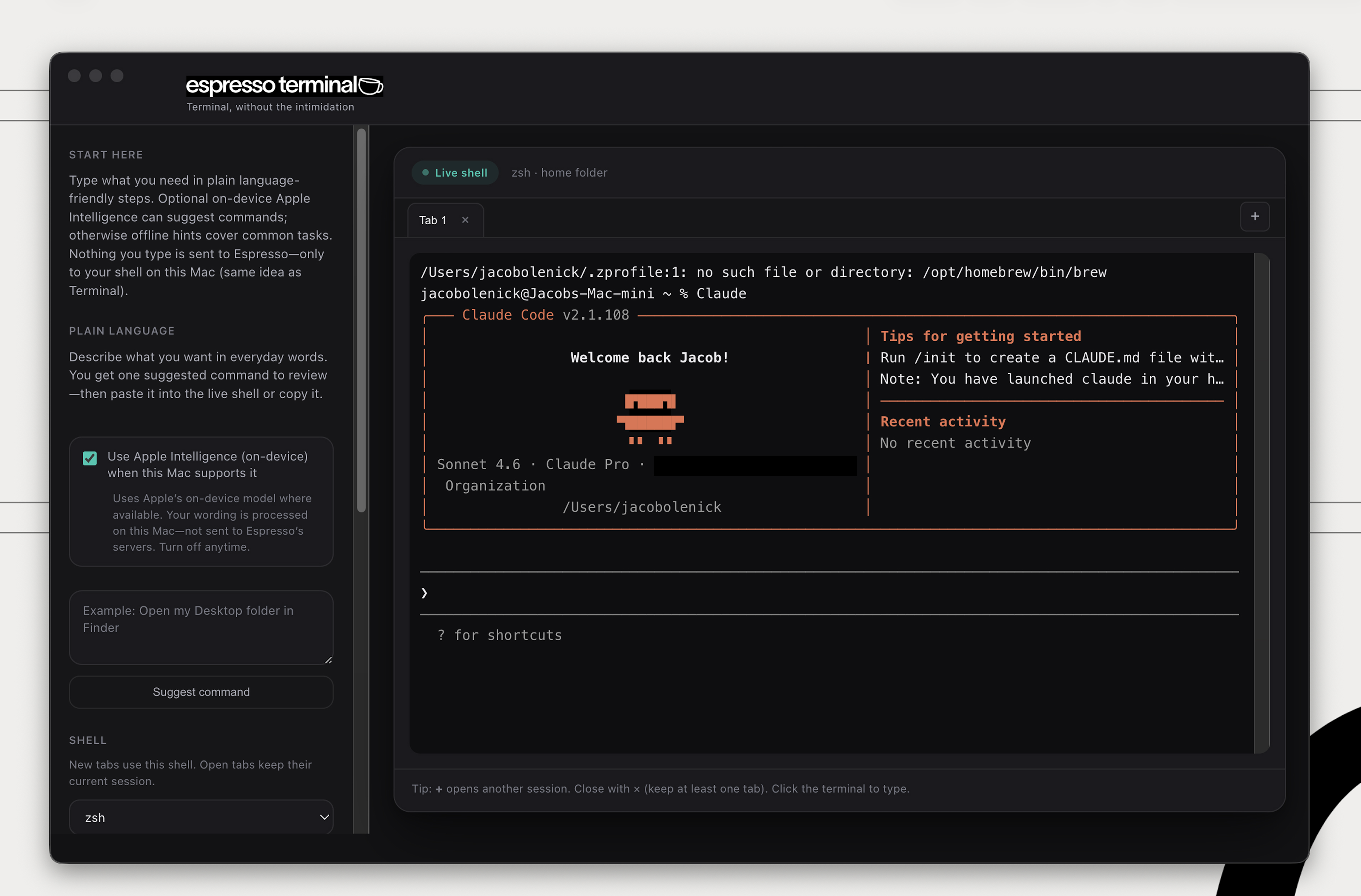
Just type claude and go. Espresso
Terminal's approachable interface—plain-language bar, tabs, no clutter—makes
AI-assisted coding feel effortless. Focus on ideas, not the terminal.
Free. macOS 11+ · Drag the app to Applications. Apple may say it can’t check the app for malware—that’s Gatekeeper when a download isn’t notarized yet. It doesn’t mean Apple found malware; notarization requires a paid developer account and an Apple scan of each release. Notarized builds open normally; this file is updated when we publish one.
If you see that prompt: Control-click the app → Open → Open again, or use System Settings → Privacy & Security → Open Anyway. After the app opens, enable Apple Intelligence in the sidebar if you want on-device command suggestions (supported hardware and OS only).
Apple: If you can’t open an app because it can’t be checked for malicious software · Open an app from an unidentified developer